
Every year, as the weather starts cooling down and Ramadan approaches, our daily routines in Pakistan shift almost overnight. Sehri alarms replace regular ones, Iftar planning becomes a family affair, and suddenly everyone is checking the weather before stepping out. If you own an Android phone, there’s a good chance it can make this transition a lot smoother than you’d expect.
This guide walks through the Top Ramadan/Winter Season Apps that Pakistani users commonly rely on — not as a sales pitch, but as a practical look at what these apps actually offer and how to use them sensibly try XF777 Game
Top Ramadan/Winter Season Apps for Pakistani Users
Before jumping into categories, it helps to know what actually makes a seasonal app worth keeping on your phone. A good app isn’t just the one with the flashiest design — it’s the one that fits how you actually live.
A few things worth checking:
| Factor | What to Check |
|---|---|
| Ease of Use | Simple and easy navigation |
| Android Compatibility | Works with your Android version |
| Reliable Information | Accurate times and updates |
| Location Features | Automatically adjusts by location |
| Privacy | Clear and reasonable data collection |
| Notifications | Useful, not excessive |
| Offline Features | Works with weak or no internet |
| App Permissions | Only necessary permissions |
Prayer Time and Ramadan Schedule Apps
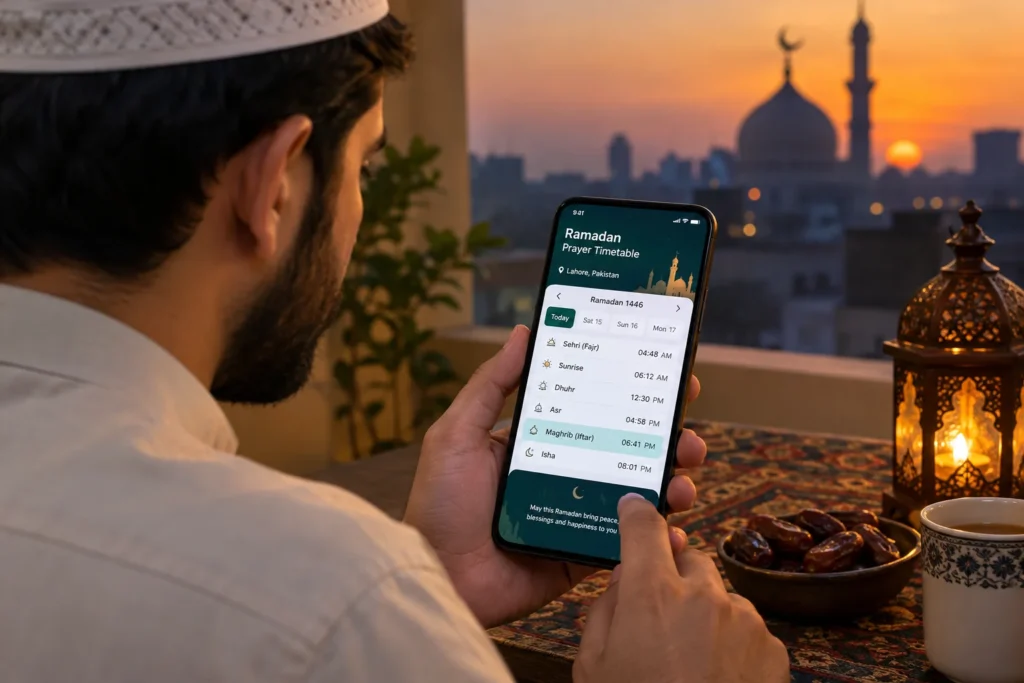
For most Pakistani users, prayer time apps are the first thing they install before Ramadan begins. These apps typically show Fajr, Dhuhr, Asr, Maghrib and Isha timings, along with the Sehri ending time and Iftar timing for your specific city.
What makes these apps genuinely useful is the combination of daily prayer alerts and a full Ramadan calendar, so you’re not manually calculating Sehri and Iftar timetable changes every few days as the month progresses.
That said, a bit of caution goes a long way here. Prayer times can vary slightly depending on your exact location and which calculation method the app uses. It’s worth taking a minute to check your app’s settings — city selection, calculation method, and juristic method for Asr — rather than blindly trusting the default notification. If something feels off compared to your local mosque’s announcement, it’s usually a settings mismatch rather than an error in the app itself.
Quran and Islamic Learning Apps
Alongside prayer apps, many users turn to Quran and Islamic learning apps during Ramadan, when the goal is often to read more consistently or revisit translations in a preferred language.
Common features across these apps include:
- Full Quran text with page by page or Surah wise navigation
- Multiple translations, including Urdu and English
- Audio recitation from different reciters
- Bookmarks to track your reading progress
- Daily reminders to help build a reading habit
- Collections of duas for different occasions
- An Islamic calendar showing Hijri dates
These features are meant to support personal routine and learning. It’s worth remembering that different users have different preferences when it comes to translations, recitation styles, or supplementary content, and no single app fits everyone equally.
Weather Apps for Pakistan’s Winter Season
Winter in Pakistan isn’t one single experience Lahore’s fog is different from Murree’s snowfall, and Karachi’s mild winter is nothing like Gilgit’s cold. This is exactly why a dependable weather app matters during these months.
A solid winter weather app typically shows:
- Current and hourly temperature
- Rain forecasts
- Fog conditions, especially relevant for Punjab’s winter mornings
- Wind speed
- Air quality index, where the app supports it
- A multi day forecast
- Location based alerts for sudden weather changes
If you’re someone who drives early morning during foggy months, or travels between cities frequently, checking a weather app before heading out can genuinely help you plan better. Just keep in mind that forecasts are estimates based on current data, not guarantees weather conditions can shift faster than an app updates.
Winter Shopping and Men’s Fashion Apps
Winter shopping in Pakistan has become largely app driven in the past few years, especially for men’s fashion and streetwear searches. Shopping apps let users browse without having to visit multiple markets, and this is one of the categories where Android users spend the most time during colder months.
Typical categories people search for include:
- Hoodies and sweatshirts
- Jackets and coats
- Shalwar kameez in winter fabrics
- Sneakers and boots
- Winter accessories like caps, scarves and gloves
- Casual streetwear pieces
Before placing any order through a shopping app, it’s worth going through a short mental checklist:
- Size chart : sizing often varies between brands, so always check the app’s specific chart instead of assuming your usual size.
- Return policy : know the return window before buying, especially for clothing.
- Delivery charges : these can sometimes change the total price significantly.
- Product reviews : genuine reviews often reveal fit and quality issues photos don’t show.
- Material information : important for winter wear, where fabric weight affects warmth.
- Seller reputation, particularly on marketplace style apps with multiple sellers.
- Final price, including any taxes or handling fees added at checkout.
Streetwear Apps and Winter Outfit Inspiration
Beyond straightforward shopping, many Android users in Pakistan also use apps and platforms purely for outfit inspiration before they decide what to buy.
Some common styling ideas that come up repeatedly in winter streetwear content:
- Layering a hoodie under an oversized jacket
- Pairing sneakers with straight fit trousers for a casual look
- Sticking to neutral winter colours like grey, black, olive and beige
- Mixing traditional shalwar kameez with a modern jacket for cooler evenings
- Using accessories like beanies or scarves to complete a casual outfit
Rather than chasing a specific brand or trend, it’s more useful to think of these apps as inspiration boards. You can screenshot outfit ideas, adapt them to what’s available locally, and avoid impulse purchases based purely on how something looks in a promotional photo.
Food, Grocery and Iftar Planning Apps
Ramadan changes eating patterns significantly, and grocery and food delivery apps become genuinely handy during this month. Instead of last minute trips to the market before Iftar, many households now plan ahead using these apps.
Typical uses include:
- Ordering groceries for the week in one go
- Searching for specific Iftar ingredients that might not be in the local store
- Comparing prices or options across different sellers within the same app
- Checking whether your area falls within a delivery zone
- Browsing seasonal deals on Ramadan essentials
It’s worth noting that discounts and offers vary constantly and aren’t guaranteed to appear every time you open an app. Treat any deal as something to verify at checkout, not something to assume is automatically applied.

Seasonal Deals and Discount Apps
Ramadan and winter are both peak seasons for promotions in Pakistan, and a number of apps focus specifically on surfacing these seasonal discounts. Used carefully, they can help you compare prices before committing to a purchase.
A few practical habits to build:
- Compare prices across at least two apps or stores before buying
- Read the fine print on discount terms — some apply only to select items
- Factor in delivery charges, which sometimes offset the discount
- Check minimum order requirements before adding items to your cart
- Verify offer expiry dates so you’re not caught out mid checkout
- Avoid clicking suspicious discount links shared outside official apps
- Stick to official apps or verified websites rather than random links on social media
Productivity and Daily Planning During Ramadan
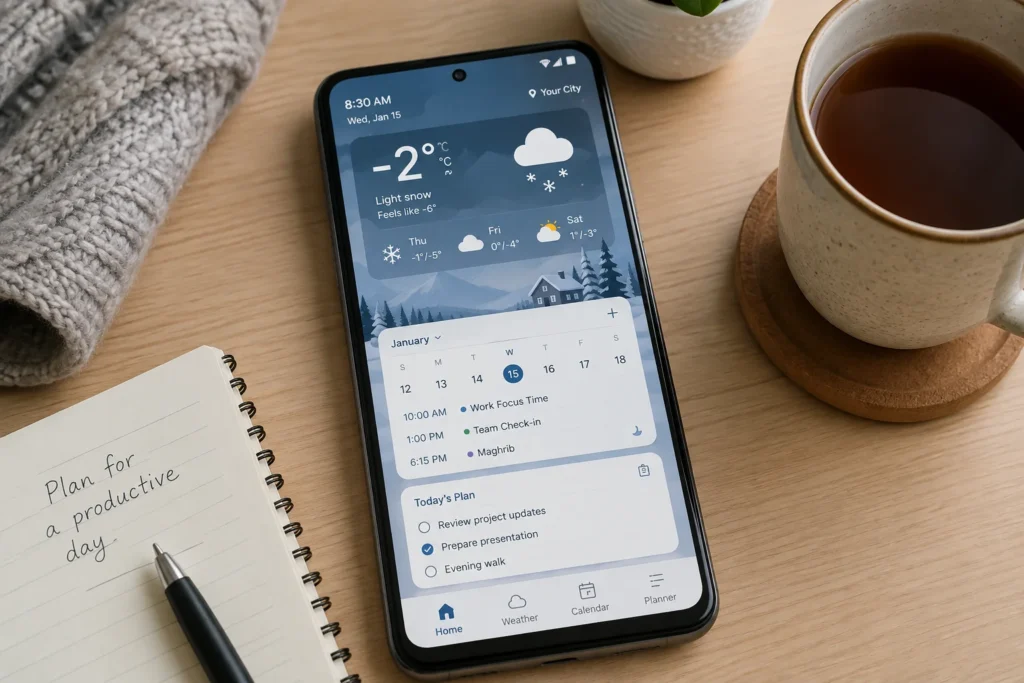
Ramadan often means adjusted sleep schedules, changed office or class timings, and a general shift in daily rhythm. This is where productivity apps quietly become useful.
Common tools people rely on during this month:
- Calendar apps to track adjusted work or university schedules
- To do list apps for keeping Iftar preparations, errands and tasks organized
- Habit tracking apps for goals like extra reading or exercise
- Sleep planning apps to manage shorter or shifted sleep windows
- Study schedule apps, useful for students balancing exams during Ramadan
- Simple reminder apps for work deadlines that don’t pause just because the routine has changed
For working professionals and students alike, a bit of planning through these tools can prevent the usual Ramadan fatigue that comes from disorganized days.
How to Choose the Right Seasonal Apps
With so many options available, it helps to run through a short checklist before installing any new app:
- Download from a trusted app source
- Check reviews and overall ratings
- Review the permissions the app requests
- Look at the app’s privacy policy
- Check how frequently the app is updated
- Confirm location accuracy for prayer or weather apps
- Verify payment security for shopping apps
- Understand return policies before buying clothing
- Adjust notification settings to avoid alert fatigue
- Keep an eye on storage and battery usage over time
Safe App Download Tips for Android Users
Android’s flexibility means users can install apps from outside official stores, but this convenience comes with some responsibility.
A few sensible habits:
- Prefer official app stores whenever the app is available there
- Check the developer name before installing, especially for finance or shopping apps
- Review requested permissions and ask whether they make sense for the app’s purpose
- Avoid modified or “cracked” APKs from unknown websites
- Keep Android’s built in security features turned on
- Never enter card details or banking information into apps that seem unfamiliar or poorly built
- Never share OTPs or passwords with anyone, including messages claiming to be from an app’s support team
None of this is meant to be alarming it’s the same basic caution most experienced smartphone users already practice.
FAQS
What are Top Ramadan/Winter Season Apps?
They’re apps that help with common seasonal needs in Pakistan — prayer schedules, Sehri and Iftar timings, weather updates, winter shopping, and daily planning during Ramadan and the colder months.
Which apps can help with Sehri and Iftar timings?
Prayer time and Ramadan calendar apps usually display Sehri ending times and Iftar timing based on your city, adjustable through location and calculation settings.
Are weather apps useful during Pakistan’s winter season?
Yes, especially for tracking fog, temperature drops and rain forecasts, which can affect travel and daily planning in many parts of the country.
Which types of apps can help with men’s winter fashion?
Online shopping and streetwear focused apps let users browse jackets, hoodies, sneakers and winter accessories, along with outfit inspiration.
Should I download APK files from unknown websites?
It’s generally safer to avoid this. Unofficial APKs can carry security risks, so official app stores or verified developer sites are a safer choice.
Conclusion
You don’t need a phone full of apps to get through Ramadan and winter smoothly. A small, well chosen set one for prayer times, one for weather, one for shopping, and maybe a productivity app usually covers most of what Pakistani users actually need. Thinking through the Top Ramadan/Winter Season Apps in this way, based on what genuinely helps rather than what’s trending, makes the season easier to manage without unnecessary clutter on your device